

How AI Bookkeeping Saves Small Business Owners Hours
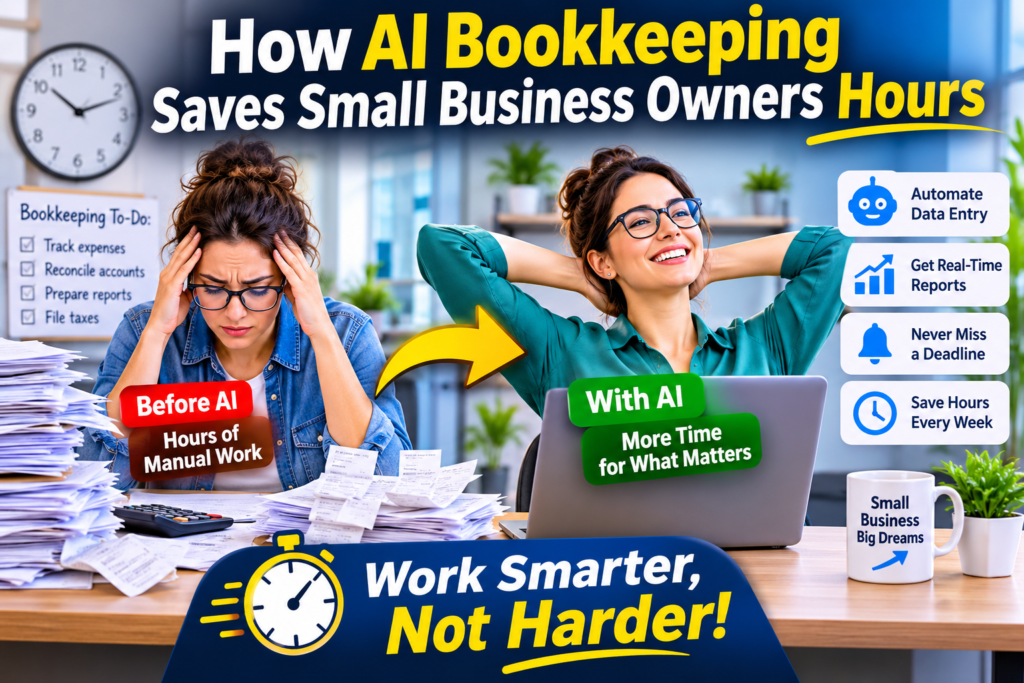
Small business owners wear many hats. From managing customers and handling sales to overseeing daily operations, they have plenty of responsibilities. Unfortunately, bookkeeping often takes up valuable time that could be spent growing the business.
If you run a small business, you probably didn’t start it because you love data entry. Yet every week, hours disappear into sorting receipts, matching bank transactions, chasing invoices, and fixing spreadsheet errors. That time comes straight out of the hours you could spend on customers, sales, or rest.
AI bookkeeping tools take over the repetitive parts of this work. Here’s how they do it, where the time savings come from, and what to watch for before you switch.
AI bookkeeping is changing how businesses manage their finances. By automating repetitive accounting tasks, reducing manual data entry, and providing faster financial insights, AI-powered bookkeeping tools help business owners save hours every week.
In this article, we’ll explore how AI bookkeeping works, the tasks it automates, and how small businesses can benefit from using it.
Small businesses can benefit from many tools that make daily operations easier and save valuable time. For example, there are tools like ChatGPT and Google Gemini, along with many others. Using these tools can help you save a significant amount of time and manage your business more efficiently.
So far, I’ve only discussed three simple, general-purpose tools to give you an idea of what’s possible. By understanding and using these tools, you can run your business more effectively. There may be many important aspects of your business that you haven’t explored yet. Simply ask these AI tools for help, and they can provide solutions, useful insights, and practical suggestions to help you improve and grow your business.
What Is AI Bookkeeping?
AI bookkeeping uses machine learning and automation to handle routine accounting tasks: recording transactions, categorizing expenses, reconciling accounts, and preparing reports. Instead of typing everything in by hand, you connect your bank accounts and payment tools, and the software does the first pass for you.
It doesn’t replace your accountant. It replaces the tedious data handling that comes before your accountant’s real work begins.
Where the Hours Actually Go (and Come Back)
1. Automatic transaction categorization
Manually labeling every purchase as “rent,” “software,” “supplies,” or “travel” is slow and easy to get wrong. AI tools read the transaction description, compare it with past patterns, and assign a category automatically. Over time, they learn your habits. If you correct a mistake once, the tool usually remembers.
Time saved: What used to take an evening each week shrinks to a quick review of a few flagged items.
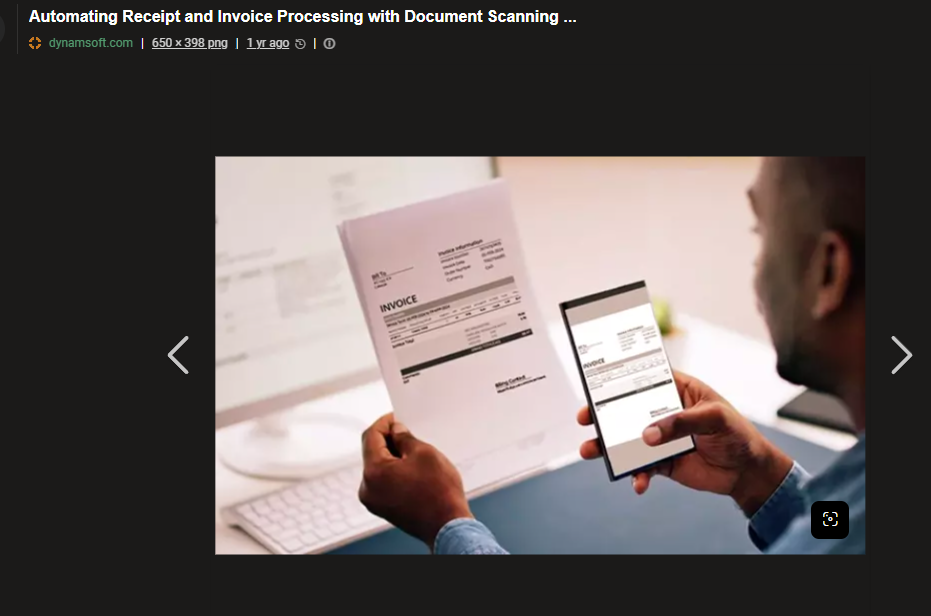
2. Receipt and invoice scanning
Instead of keeping a shoebox of paper receipts, you snap a photo or forward an email. The AI extracts the vendor, date, amount, and tax, then attaches it to the right transaction.
Time saved: No more retyping numbers, and no more hunting for a receipt at tax time.
3. Bank reconciliation
Reconciliation means checking that your records match your bank statement, and it’s one of the most tedious jobs in bookkeeping. AI matches transactions automatically and highlights only the ones that don’t line up.
Time saved: You review exceptions instead of checking every line.
4. Invoicing and payment follow-ups
Many AI bookkeeping platforms generate invoices, send reminders for overdue payments, and record payments when they arrive. That means fewer awkward manual follow-ups and better cash flow.
Time saved: Chasing late payments becomes an automated routine rather than a recurring chore.
5. Real-time reports
Rather than waiting until month-end to learn whether you’re profitable, you can see profit and loss, cash flow, and outstanding invoices whenever you want. Some tools also flag unusual spending or forecast upcoming cash shortages.
Time saved: Less time building reports, and faster decisions because the numbers are always current.
6. Tax preparation
When your books are clean and categorized all year, tax season stops being a scramble. Your accountant gets organized records instead of a pile of loose ends, which often means less back-and-forth and lower prep time.
A Realistic Look at the Savings
The exact hours depend on your business size and how messy your books were to begin with. A business that previously spent several hours a week on bookkeeping can often cut that down substantially, since most of the work becomes reviewing rather than entering. The biggest gains usually go to owners who were doing everything manually or working from spreadsheets.
Beyond Time: Other Benefits
- Fewer errors. Automation reduces typos and missed entries.
- Better cash flow visibility. You know what’s coming in and going out.
- Lower cost. Software is typically cheaper than hiring a full-time bookkeeper.
- Less stress. Knowing your books are up to date removes a constant background worry.
What to Look for Before Choosing a Tool
- Bank and payment integrations. Make sure it connects to the banks and platforms you use.
- Ease of use. If it needs training, you won’t stick with it.
- Accountant access. Your accountant should be able to log in and review the books.
- Pricing. Check what’s included at each plan level, and whether costs rise as you grow.
- Security. Look for encryption, two-factor authentication, and a clear privacy policy.
- Local requirements. Confirm it supports your currency, tax rules, and reporting needs.
Common Mistakes and Limitations
- Trusting it blindly. AI makes mistakes, especially with unusual transactions. Review flagged items and spot-check regularly.
- Skipping setup. A clean chart of accounts and correct starting balances make everything that follows more accurate.
- Dropping your accountant. You still need professional advice for tax strategy, compliance, and complex decisions.
- Messy inputs. Automation works best when you consistently connect accounts and upload receipts.
How to Get Started
- Pick one tool and take advantage of its free trial.
- Connect your business bank account and cards.
- Review the first batch of categorized transactions and correct any errors.
- Set aside 15 minutes each week for a quick review.
- Share access with your accountant.
Conclusion
AI bookkeeping won’t make your finances disappear, but it can remove the repetitive work that eats your week. By automating categorization, reconciliation, receipt capture, and invoicing, it lets you spend less time on spreadsheets and more time running and growing your business. Start small, review its work regularly, and keep your accountant in the loop. The hours you save will add up quickly.
Ready to try it? Pick one AI bookkeeping tool this week, run the free trial for 30 days, and track how many hours you get back.


