

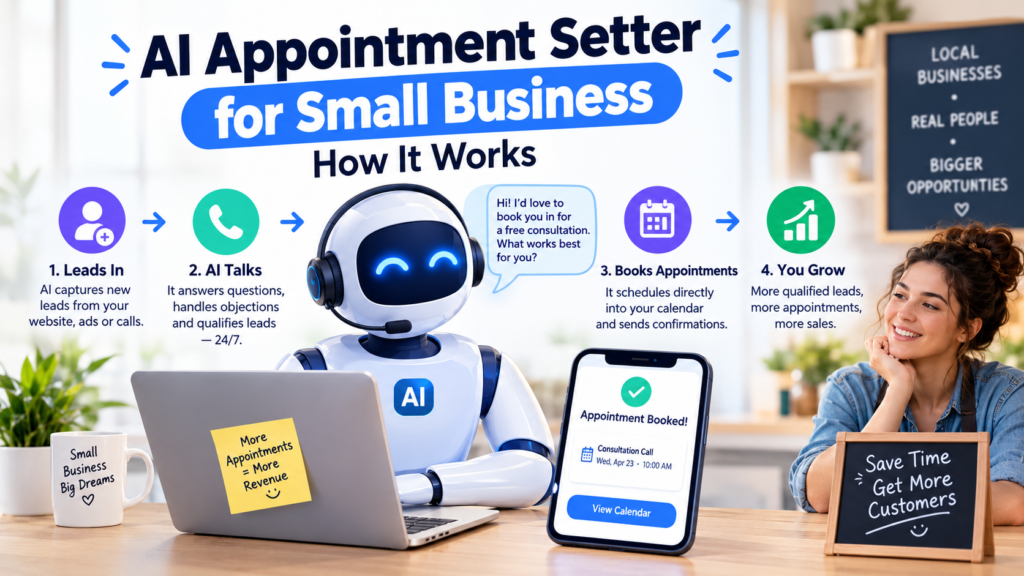
AI Appointment Setter for Small Business
You are with a customer, on a job site, or finally eating lunch. Meanwhile, a new lead calls, gets voicemail, and books with your competitor ten minutes later. For many small businesses, this happens every week.
An AI appointment setter is built to stop that. It answers inquiries, qualifies leads, books appointments on your calendar, and follows up, so fewer opportunities slip away. This guide explains how it works, where it helps most, what it costs, and what to watch out for before you buy.
What Is an AI Appointment Setter?
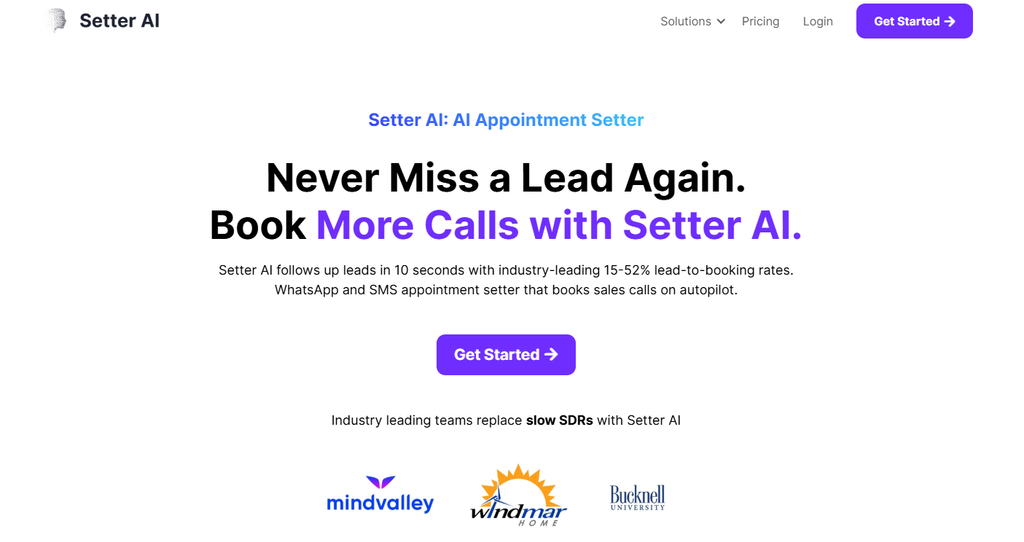
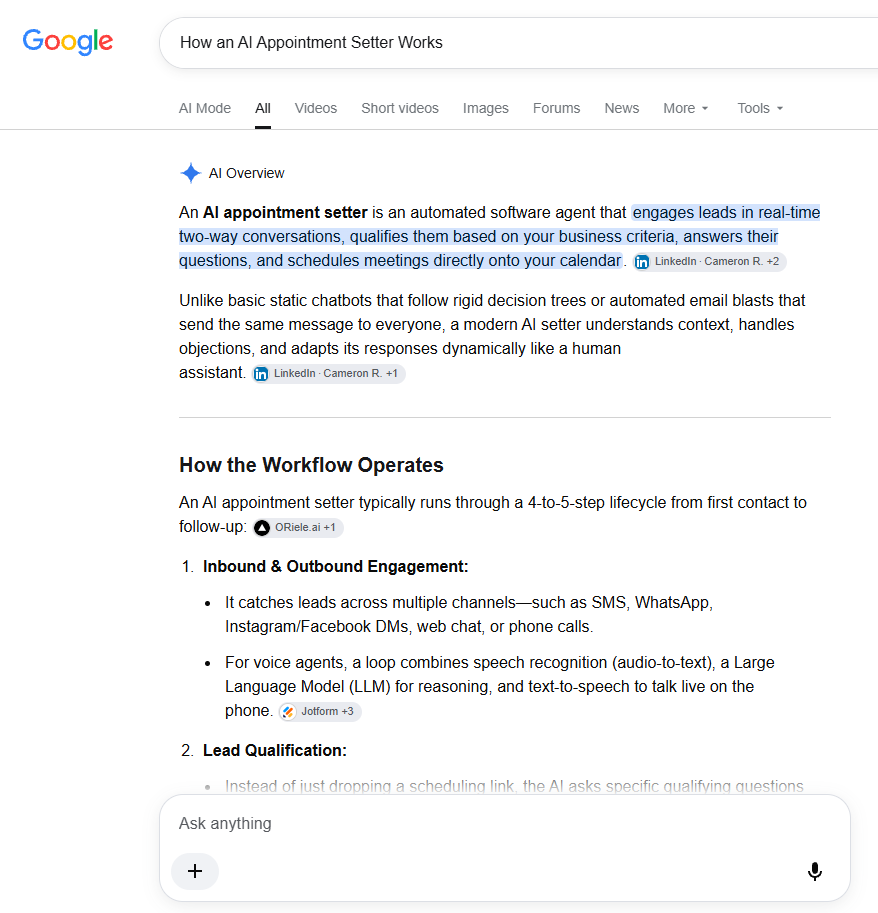
An AI appointment setter is software that uses artificial intelligence to handle the booking process for you. It can talk with potential customers by website chat, text message, email, social media messages, or phone calls, depending on the platform.
In simple terms, it does the work of a front-desk assistant who never needs a break: it greets the customer, answers basic questions, collects their details, finds an open time, and confirms the appointment.
Unlike a basic online booking form, an AI appointment setter can hold a conversation, understand questions in everyday language, and ask follow-up questions.
How an AI Appointment Setter Works, Step by Step
Different tools vary, but most follow the same flow.
1. A lead reaches out. A customer fills out a form, sends a text, starts a website chat, or calls your business number.
2. The AI responds right away. Speed matters. A quick reply keeps the customer engaged while they are still interested.
3. It answers common questions. Business hours, service areas, pricing ranges, and what to expect at a first visit are examples. The AI uses the information you provide when you set it up, so the quality of your setup matters.
4. It qualifies the lead. It can ask a few questions, such as what service the person needs, their location, their timeline, or their budget range, and tag the lead as a good fit or not.
5. It checks your calendar. The AI connects to a scheduling tool, such as Google Calendar, and offers only the times that are actually free. This helps prevent double bookings.
6. It books and confirms. The appointment goes on your calendar, and the customer receives a confirmation by text or email.
7. It sends reminders. Typical reminders go out a day before and a few hours before. Many tools also let customers reschedule or cancel by replying.
8. It follows up. If someone showed interest but did not book, the AI can send a gentle follow-up message later.
9. It hands off when needed. For complicated, sensitive, or upset-customer situations, a good tool passes the conversation to a real person.
A Real-World Example
Imagine a small HVAC company. A homeowner texts at 9:30 p.m. saying the air conditioner stopped working.
The AI replies within seconds, asks for the address and a short description of the problem, checks which technician has an opening the next morning, and books a 9 a.m. visit. The homeowner gets a confirmation, and the owner sees the whole conversation in the dashboard when they start work.
Without the AI, that message might have waited until morning, and the customer might have called someone else.
Which Small Businesses Benefit Most?
Any business that makes money from appointments can benefit, especially those with many inbound inquiries and limited staff.
| Business Type | Typical Use |
|---|---|
| Dental and medical clinics | Booking consultations and checkups |
| Real estate agents | Scheduling property showings |
| Home service companies (HVAC, plumbing, cleaning) | Booking estimates and service visits |
| Salons, spas, and barbershops | Managing client bookings |
| Law and accounting firms | Scheduling consultations |
| Marketing agencies and consultants | Booking discovery calls |
| Fitness studios and coaches | Scheduling sessions and trials |
Benefits for Small Businesses
- Faster response times. Quick replies can help you win more leads.
- Less admin work. You and your staff spend less time on repetitive messages and scheduling back-and-forth.
- After-hours coverage. Customers can request appointments when you are closed.
- Fewer no-shows. Automatic reminders help customers remember.
- More consistent follow-up. The AI doesn’t forget to follow up when you get busy.
- Organized lead data. Contact details and conversation history are stored in one place.
Results depend on your business, your setup, and how many inquiries you receive, so treat any promised numbers from vendors carefully.
AI vs. Human Appointment Setters
| AI Appointment Setter | Human Appointment Setter | |
|---|---|---|
| Availability | Can work around the clock | Usually set working hours |
| Response speed | Near instant | Depends on workload |
| Cost model | Software subscription and usage fees | Salary or hourly wages |
| Routine bookings | Excellent | Good, but time-consuming |
| Complex or emotional conversations | Limited | Much stronger |
| Building relationships | Limited | Strong |
For most small businesses, the best approach is a mix: AI handles routine scheduling and first contact, and people handle the conversations that need judgment and empathy.
Features to Look For
- Calendar integration with the tools you already use
- Multi-channel support, such as chat, text, email, and phone
- Lead qualification with customizable questions
- Automated reminders and easy rescheduling
- CRM integration to store customer information
- Human handoff for complicated conversations
- Analytics to track leads, bookings, and missed opportunities
- Customization so the AI uses your business details and tone
- Clear data privacy policies
How Much Does It Cost?
Prices vary widely. Some tools offer a free plan or trial, while more advanced options charge a monthly subscription. Costs often depend on:
- the number of conversations or bookings
- phone minutes and text messages
- the number of calendars or users
- advanced features and integrations
- setup and support
Always check each vendor’s current pricing page, since plans change often. Also look for hidden costs, such as extra fees for text messages or phone minutes.
Important Things to Check Before You Start
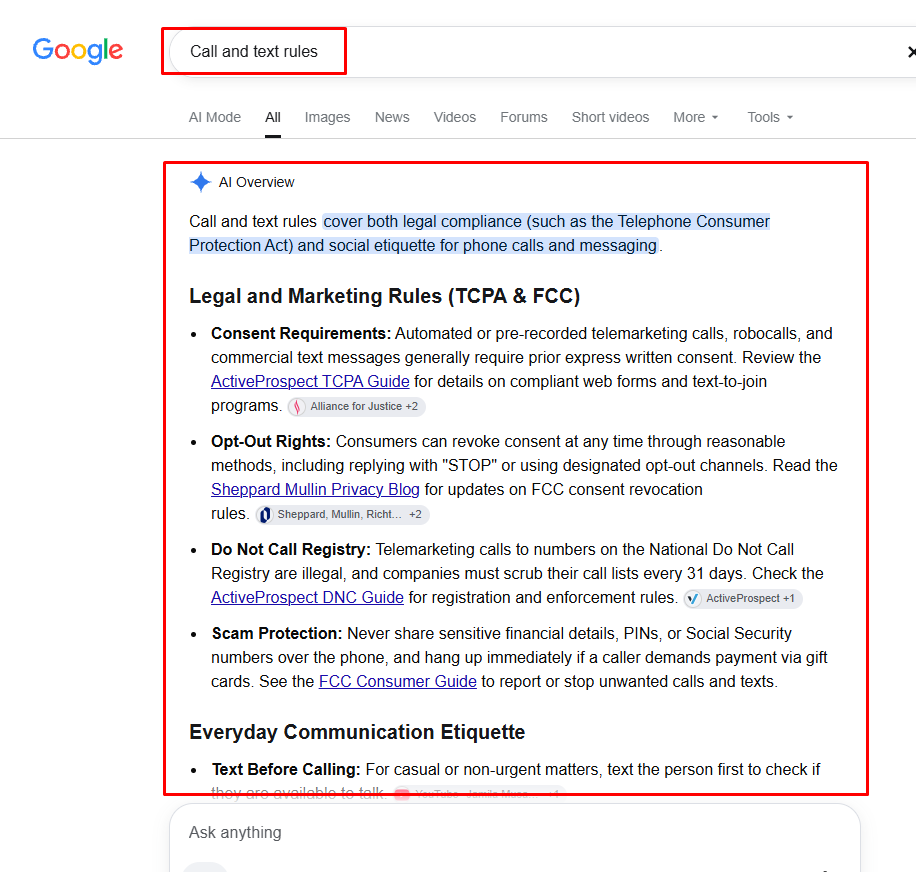
Call and text rules. If the AI makes or records phone calls or sends marketing texts, laws may apply. In the U.S., recording rules differ by state, and text messaging is covered by federal rules. Canada has its own anti-spam and privacy laws. Make sure your tool and setup follow the rules where your customers live, and talk to a qualified professional if you are unsure.
Disclosure. Many businesses tell customers they are speaking with an automated assistant. It builds trust and may be required in some situations.
Sensitive information. Healthcare, legal, and financial businesses should take extra care. Don’t let an AI collect or share sensitive details unless the tool is designed and configured for that purpose.
Accuracy. AI can give wrong answers. Test your setup, review conversations in the first few weeks, and fix mistakes.
How to Get Started
- List your top time-wasters. Missed calls, scheduling back-and-forth, or no-shows?
- Write down your FAQs and rules. Hours, services, pricing guidance, cancellation policy.
- Choose a tool that matches your channels and calendar, using a free trial if available.
- Test it yourself. Pretend to be a customer and try tricky questions.
- Set up human handoff. Decide when the AI should pass the chat to you.
- Launch and review. Read conversations weekly and adjust.
Frequently Asked Questions
What does an AI appointment setter do?
It talks to potential customers, answers common questions, qualifies leads, books appointments, sends reminders, and follows up automatically.
Is an AI appointment setter worth it for a small business?
It can be, especially if you regularly miss calls or messages or spend a lot of time scheduling. Test with a trial before committing.
Can it replace a human receptionist?
It can handle routine tasks, but a human is still better for complex, sensitive, or high-value conversations.
Does it work 24/7?
Many platforms can respond outside business hours, depending on your settings and plan.
Will customers know they are talking to AI?
That depends on your setup. Being transparent is usually the better practice.
Is it hard to set up?
Simple tools can be set up in a few hours. More complex phone or CRM integrations may take longer.
Conclusion
An AI appointment setter helps small businesses respond faster, book more appointments, and spend less time on admin. It works best when you give it clear information, connect it to your calendar, and keep a human available for the conversations that matter.
If missed leads and scheduling headaches are slowing you down, a free trial of an AI appointment setter is a low-risk way to see whether it fits your business.
Affiliate disclosure: This post contains affiliate links. If you click a link and make a purchase, we may earn a commission at no extra cost to you. We only recommend tools we have tested or believe are useful.


