


Discover 20 creative AI photo editing prompts that can help you transform ordinary photos into stunning images.Nowadays, everyone needs images for social media posts—whether you’re a regular user, a student, a content creator, or a business owner. Posting videos every day isn’t always possible because video editing, writing captions, and preparing content can take a lot of time.
That’s why I’ve brought you short AI photo editing commands that can make your social media content creation much easier.
You can take any product photo, your own photo, or almost any picture, upload it to an AI image editing tool, and simply give it one of these short commands. The AI can then transform your image into something that looks professional and ready to post on social media.
I’ve included several simple commands in this article that you can use. The best part is that you can try these commands for free, depending on the AI image tool you use.
I hope these commands make your daily content creation easier. Even if you’re very busy, creating one social media post a day doesn’t have to be difficult. With the right AI command, you may be able to turn an ordinary image into a social-media-ready post in just 5–10 minutes or less.
Let’s explore these 20 AI photo editing commands and discover how you can transform your photos with AI.
How to Use AI Photo Editing Commands
Here’s how you can use these commands. You may have questions like: How do I use them? Which AI tool should I use? How long does it take? What do I need?
The process is actually very simple. You can use these commands with ChatGPT, Google Gemini, or many other AI image-generation and editing tools.
First, choose any image you want to edit—whether it’s your own photo, a product photo, or any other picture. Upload the image to your preferred AI image editor. Then, simply copy and paste the short command provided below into the prompt box.
After you submit the command, the AI will analyze your original image and transform it according to your instructions, creating a beautiful, professional-looking image that you can use for social media.
You don’t need advanced photo-editing skills or complicated software. Just upload your image, paste the command, and let the AI do the editing for you.
20 Unique AI Photo Editing Commands
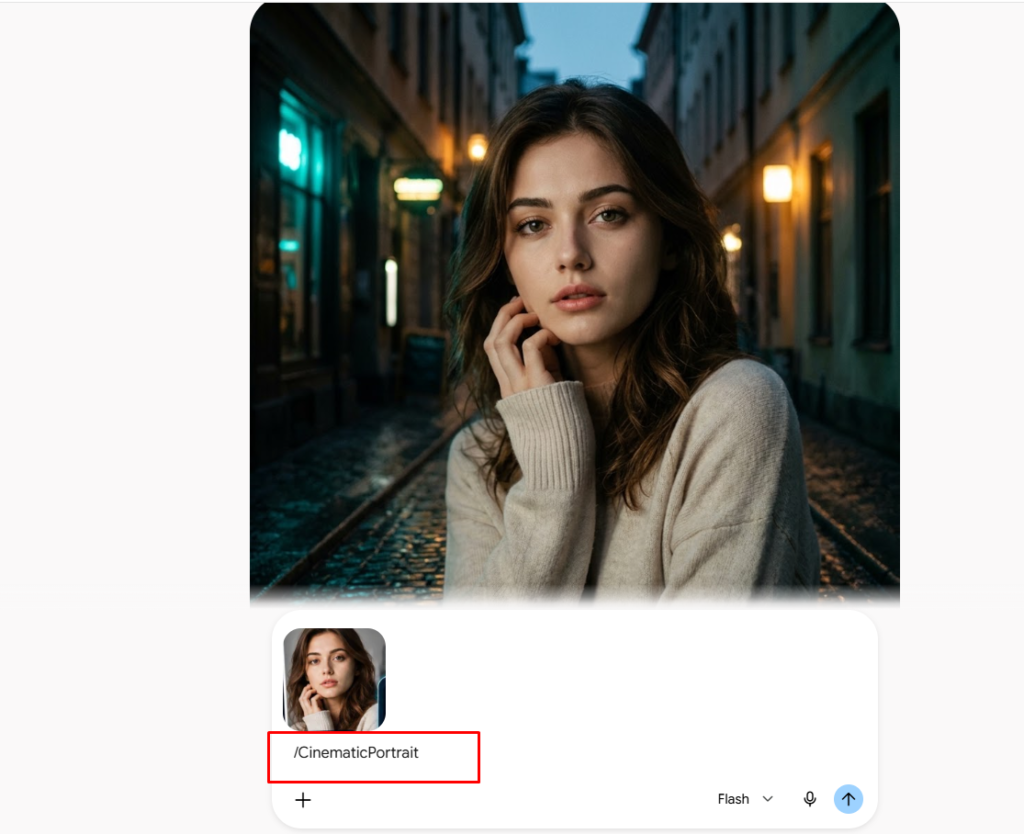
1. /CinematicPortrait — Cinematic Portrait Command.
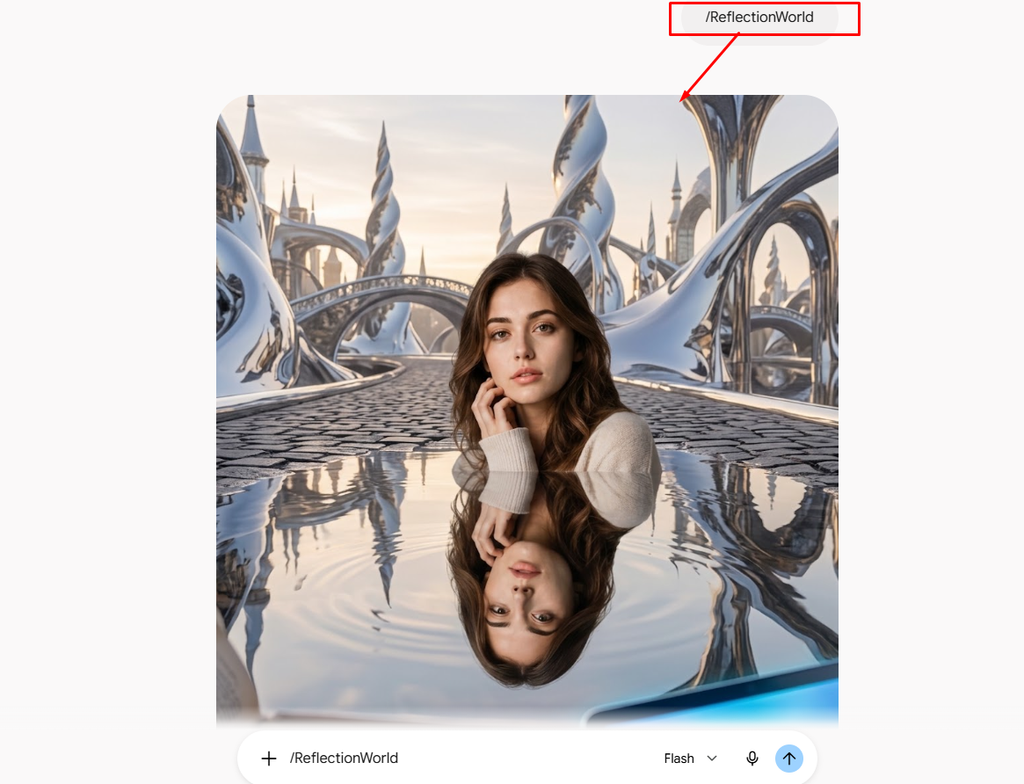
2. /ReflectionWorld — Reflection World Command.
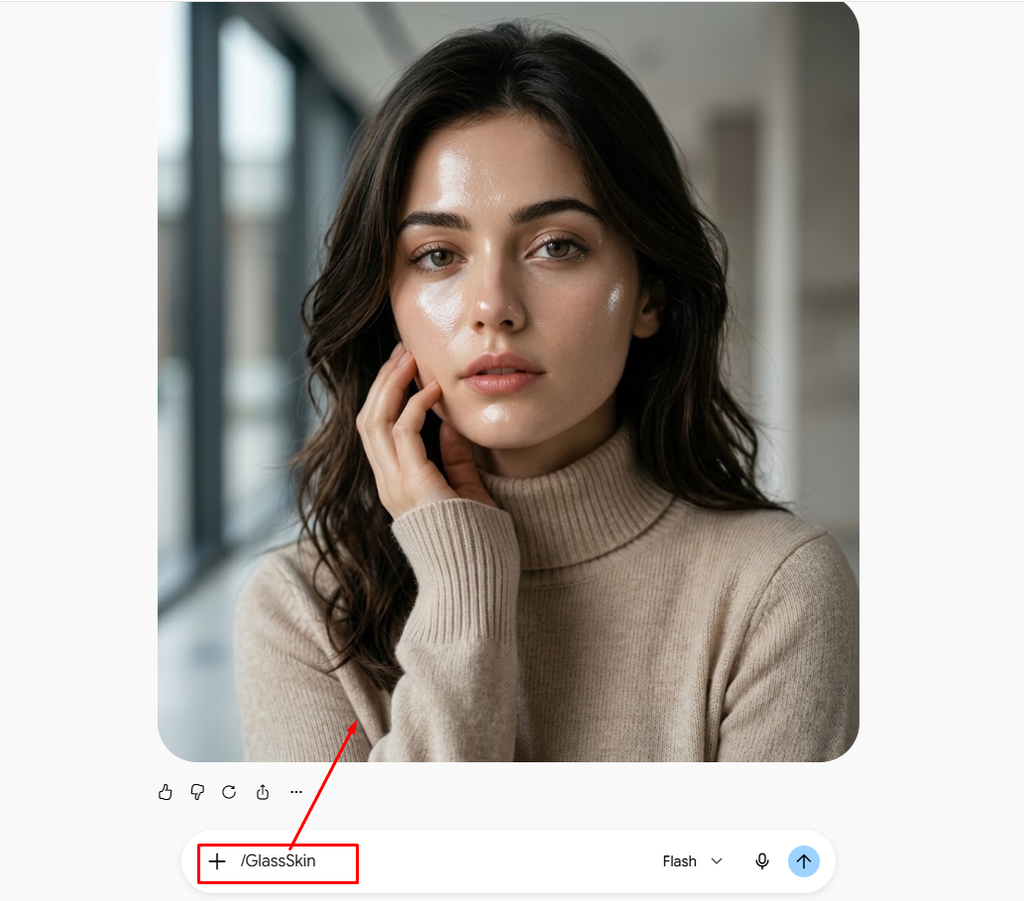
3. /GlassSkin — Glass Skin Command.
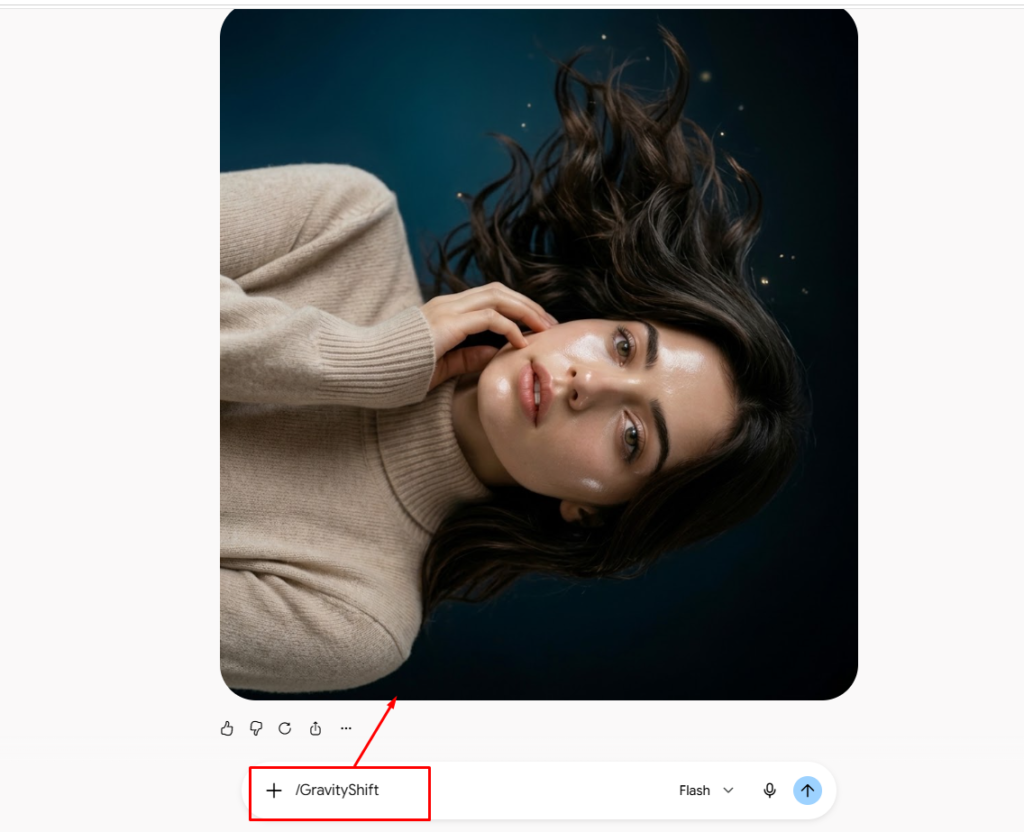
4. /GravityShift — Gravity Shift Command.
5. /MiniatureCity — Miniature City Command
6. /MirrorClone — Mirror Clone Command
7. /LiquidPortrait — Liquid Portrait Command
8. /NeonRain — Neon Rain Command
9. /PaperWorld — Paper World Command
10. /FloatingIsland — Floating Island Command
11. /TimeSplit — Time Split Command
12. /ShadowWorld — Shadow World Command.
13. /CrystalReality — Crystal Reality Command.
14. /PortalFrame — Portal Frame Command.
15. /ColorEscape — Color Escape Command.Make one selected color appear to flow out of the photograph while keeping everything else in realistic monochrome.
16. /RainInside — Rain Inside Command.Create a surreal effect where rain falls only inside the room while the subject and surrounding objects remain completely dry.
17. /DoubleExposureWorld — Double Exposure World Command.Blend the subject’s silhouette with a completely different landscape, creating a sophisticated double-exposure composition.
18. /GiantObject — Giant Object Command.Make one ordinary object in the scene dramatically oversized while keeping the person at normal scale for a surreal perspective.
19. /InvisibleWind — Invisible Wind Command. Create a powerful invisible wind effect that naturally moves hair, clothing, leaves, and environmental elements without changing the person’s identity.
20. /DreamExit — Dream Exit Command.Make the subject appear to be stepping out of the original photograph into a realistic three-dimensional environment.
These AI photo-editing commands will be updated regularly, so stay tuned and follow along with me. In this article, I’ve shown you 20 unique commands, and I’ve also demonstrated how three or four of them work in practice.


