
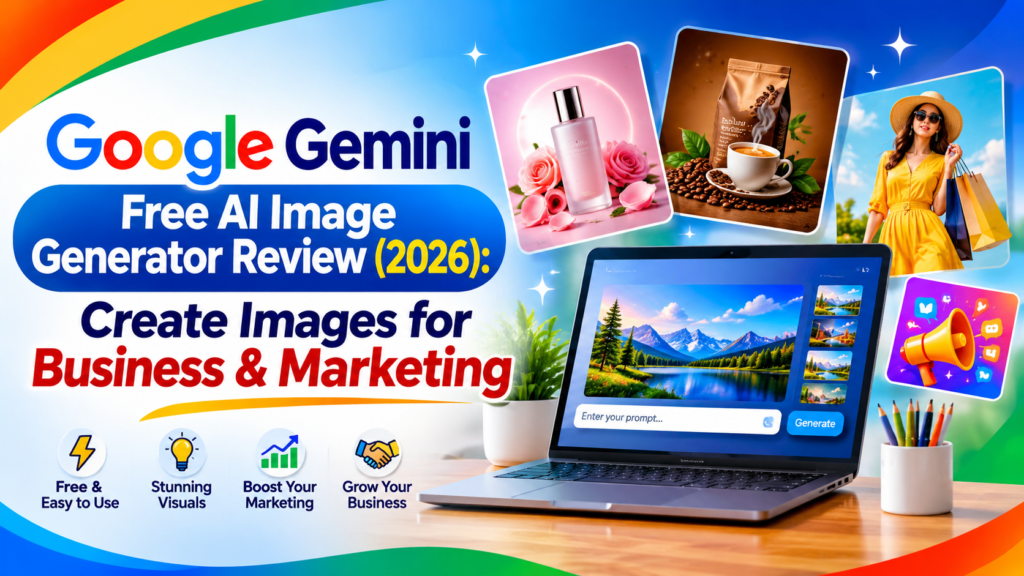
Google Gemini Free AI Image Generator Review
This Google Gemini image generator review covers what you actually get in 2026: image quality, editing tools, free limits, pricing, and how it compares with ChatGPT. Gemini can create images from text, edit your own photos, and combine several images into one scene, all through plain-language prompts. I tested it myself with the same prompts I used in ChatGPT, so you can see the real differences instead of marketing claims.Today, one important aspect of marketing has become essential: professional product images.
High-quality images are extremely important for marketing and advertising. In the past, creating professional product images often required expensive equipment, photography studios, and complex editing processes.
But now, with AI image-generation tools, we can create attractive, professional product images much more easily.
If you want to market your products, you can use AI to create eye-catching promotional images while maintaining your product’s original appearance and quality. A well-designed professional image can make your product look more attractive, build customer trust, and increase its marketing appeal.
Today, I want to share some useful tips on how to create professional marketing images for your products using AI.
Pros and Cons
✓ Pros
- ✓ Easy text-to-image generation with plain language.
- ✓ Natural-language photo editing in the same chat.
- ✓ Supports multiple reference images.
- ✓ Improved character consistency and text rendering in newer models.
- ✓ Fits well with Google's apps and account.
- ✓ Different Nano Banana models for different needs.
✕ Cons
- ✕ Free use has limits, and exact allowances can change.
- ✕ Higher resolution and advanced features may need a paid plan.
- ✕ Complex edits can alter parts of an image you did not mention.
- ✕ Generated text can still contain errors.
- ✕ Availability and limits vary by region and account.
- ✕ AI images need human review before professional use.